MusicGo / AI Singer
Give your song a face.
MusicGo AI Singer turns a portrait and an audio track into a singing video. It animates the pictured performer to follow the song, bringing your music into a visual format. Upload a photo or choose a preset character, select a section of audio, and generate a downloadable MP4.
Start with a clear portrait
Use one visible face, facing the camera, with even lighting and an unobstructed mouth. A vocal track with clear singing gives the animation a clearer reference. Try a short chorus first; results depend on the image and audio.
Use only images and music you own or have permission to use.
Create Singing Photos for the Moments You Share
Ideas for your next music clip. These illustrative examples show different creative directions; results vary with your image and audio.
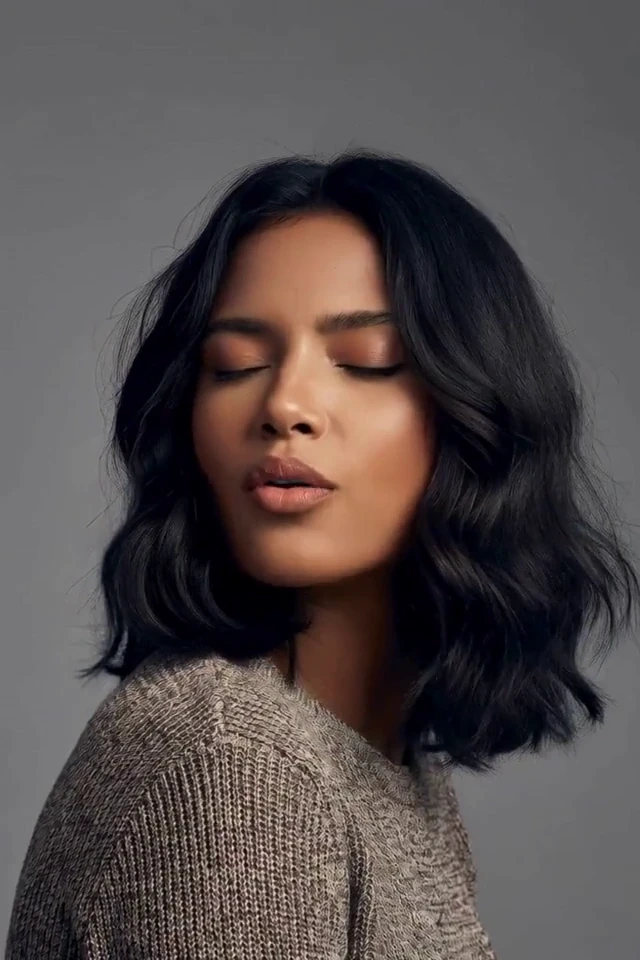
Portraits with a voice
Pair a favorite portrait with your song for a personal performance.
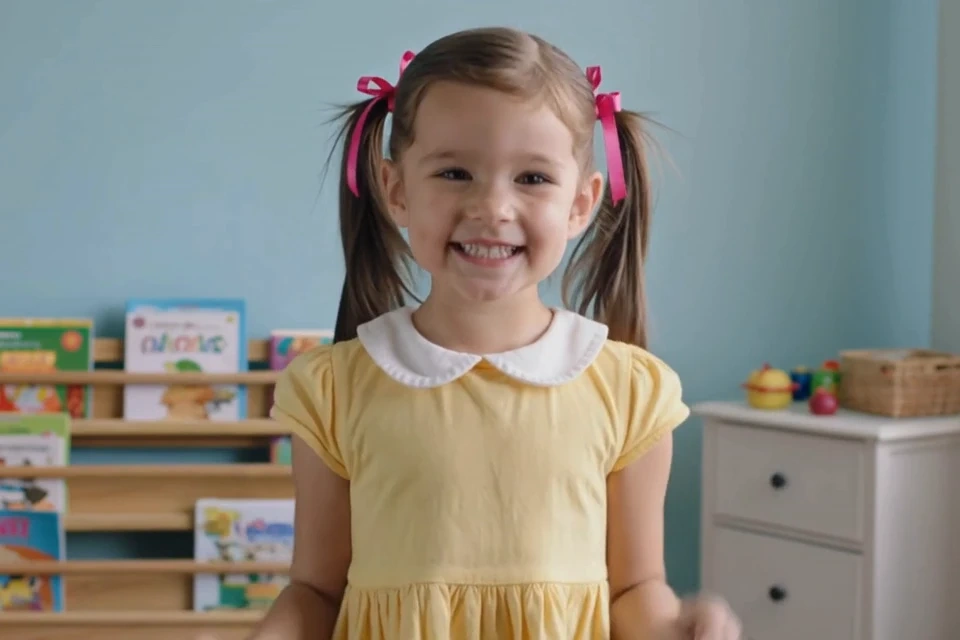
Musical greetings
A singing surprise for birthdays, milestones and people you care about.
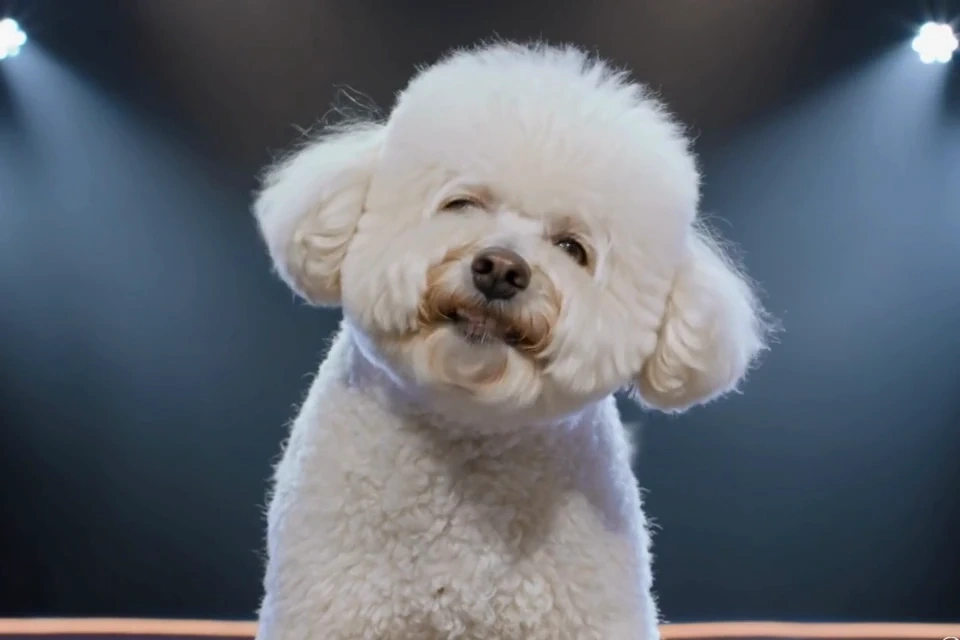
Character-led music clips
Explore playful visual ideas with a distinctive character and a short musical excerpt.
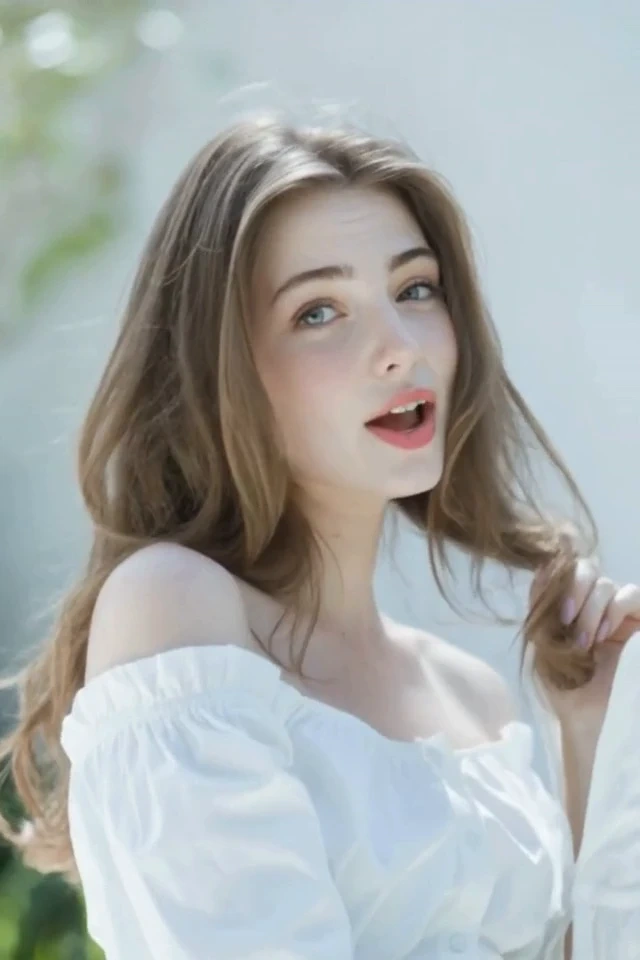
Moments with friends
Give a shared memory a soundtrack for a personal message or reunion.
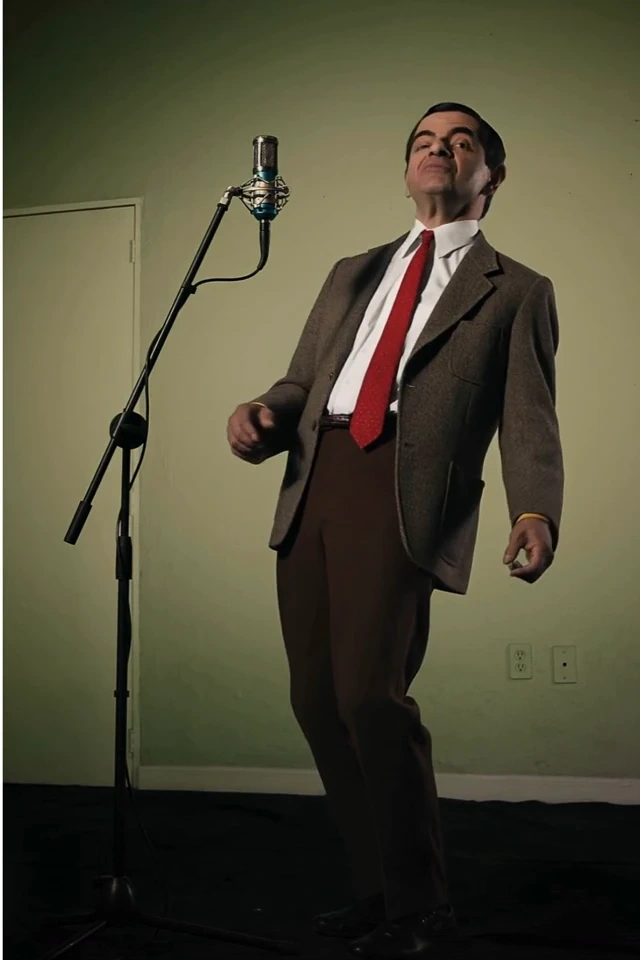
Songs for your feed
Frame your chorus for Reels, Shorts or a new-release teaser.
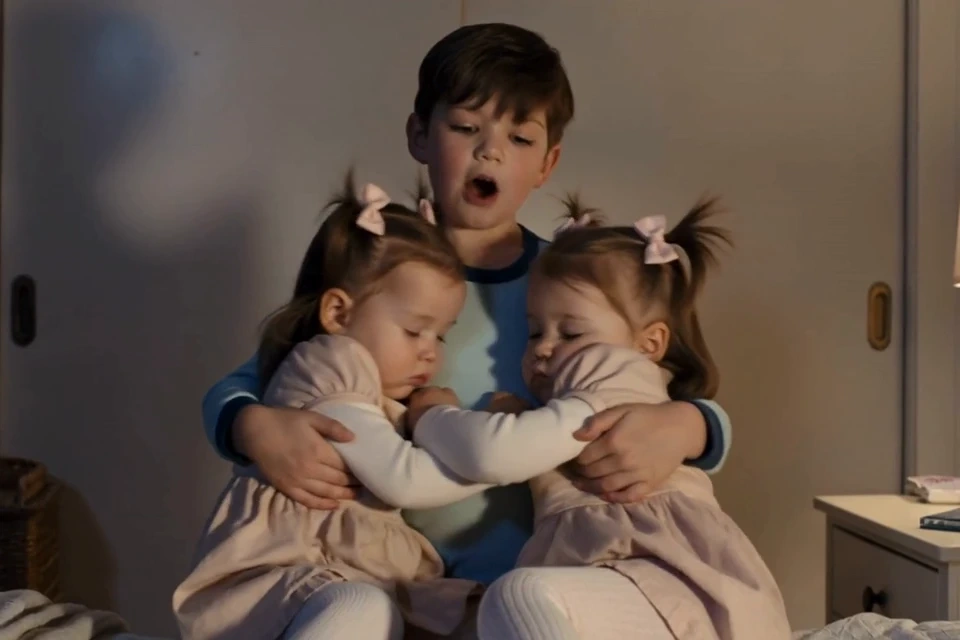
Memories set to music
Bring a meaningful portrait and a favorite melody together in a keepsake.
Why Choose Our AI Singing Photo Generator?
Photo and song, together
Animate a portrait to follow your chosen track.
Create in your browser
Upload, adjust and generate without an editing timeline.
Choose your performer
Start with a preset character or upload your own portrait.
Use the music you want
Upload audio or select your music, then trim the exact section.
Control the final frame
Choose vertical or landscape video, in 480p or 720p.
Clear credits upfront
Review the duration-based cost before generating.
How to make a photo sing
Three steps. One performance.
Upload audio or choose a track from My songs. Drag both waveform handles to select at least 10 seconds, listen to the selection, or select the whole song.
Song
Example
Your music, with a visual identity
From a chorus to a release teaser
Create a visual for an original song, introduce a virtual performer, make a short music teaser, or prepare a personal musical greeting with authorized photos and audio.
- Keep the original voice
- The selected audio is the soundtrack. AI Singer animates the portrait; it does not clone a voice, replace the vocalist, or generate a new song. Create a song in the music studio first if you need one.
- Describe the scene
- The optional scene description accepts up to 1024 characters. Describe the setting, lighting and performance mood, such as a softly lit stage or an intimate studio. It guides generation; the exact result may vary.
- Choose your frame
- Use vertical 9:16 for short-form feeds or horizontal 16:9 for a wider frame. Choose 480p for a lower credit cost or 720p for a higher-resolution video. Only your selected audio segment is processed.
Know the cost before you create
Adjust the length to compare resolutions.
- 480p
- 60credits
- 720p
- 120credits
Credits depend on the selected audio length and resolution, with seconds rounded up. The generate button shows the quote before submission. Google sign-in and sufficient credits are required. Confirmed failed tasks refund their reserved credits; unconfirmed submissions remain reserved while checked.
AI Singer questions, answered
A few things to know before your first video.
Contact usWhat is an AI singing photo?
An AI singing photo is a video made by animating a still portrait to follow an audio track. MusicGo combines your chosen photo and song into an MP4 singing video.
Which files can I use?
Upload audio such as MP3, WAV, M4A or FLAC, up to 50 MB and 10 minutes. Select at least 10 seconds. Portraits can be JPEG, PNG or WebP up to 10 MB; preset characters are also available.
Will this change the singer’s voice?
No. The video uses your selected audio. This is a photo-to-singing-video tool, not a voice cover or voice cloning tool. Upload a song with the vocals you want to hear.
How many credits does a singing video cost?
480p costs 6 credits per second and 720p costs 12 credits per second, rounded up to whole seconds. A 10-second selection costs 60 credits at 480p or 120 credits at 720p. Check the button for your exact quote.
How long does generation take?
Processing time varies with duration, the provider queue and service availability. Follow this generation on the right or in My works. Completed videos can be previewed and downloaded as MP4.
Can I use a photo of a real person?
Only use a portrait and audio that you own or are authorized to use, including permission from the person where required. Do not impersonate people deceptively. NSFW and sexually explicit content are prohibited; descriptions are reviewed before processing.