Audio Joiner for Podcasts
Bring an intro, interview segments and an outro into one episode. Trim unwanted lead-ins, keep intentional pauses and review the joins before publishing.
Local processing. No uploads. No account needed.
Join songs, voice notes and recordings into one audio file. Arrange your clips, shape the transitions and download the result, right in your browser.
Separate recordings. One continuous track.
Drag to reorder, or use the arrow buttons.
Up to 10 clips · 20 MB each · 40 MB combined · 10 minutes total
Audio Joiner
An Audio Joiner places separate recordings one after another and exports a single audio file. MusicGo lets you choose the order, keep only the section you need from each clip and control the joins. Your original files stay unchanged.
Choose two or more local audio files, or drop them into the queue. The Audio Joiner reads each recording and displays its measured waveform and duration.
Drag each waveform’s handles to select the section you want. Move the selection or enter exact start and end times, preview each excerpt, then arrange the clips and choose a transition.
Choose a format and select Join audio. Play the rendered track, then download it. Your result stays local and is not added to My works.
Keep a chorus, a spoken line or any section you need from each recording. Drag the waveform handles or enter precise start and end times for every file, then arrange the excerpts. Audio Joiner combines only the selected sections in order; your original files stay unchanged.
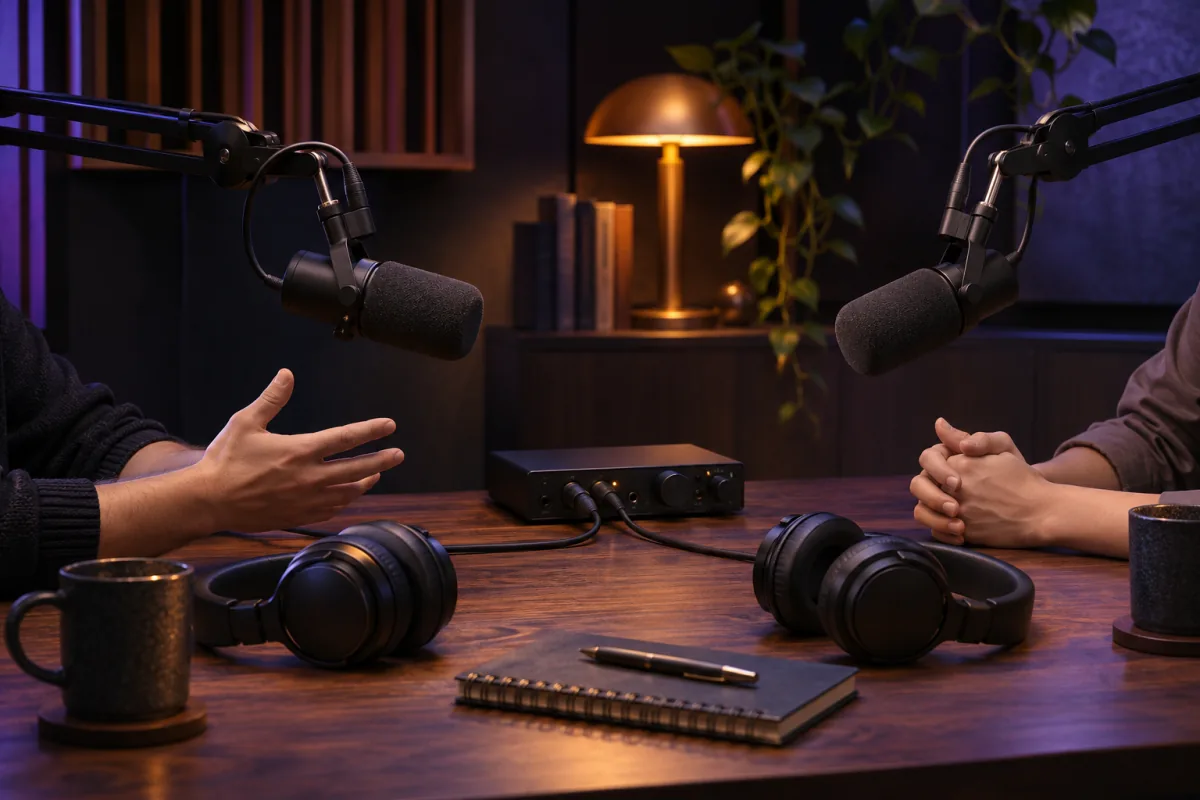
Bring an intro, interview segments and an outro into one episode. Trim unwanted lead-ins, keep intentional pauses and review the joins before publishing.
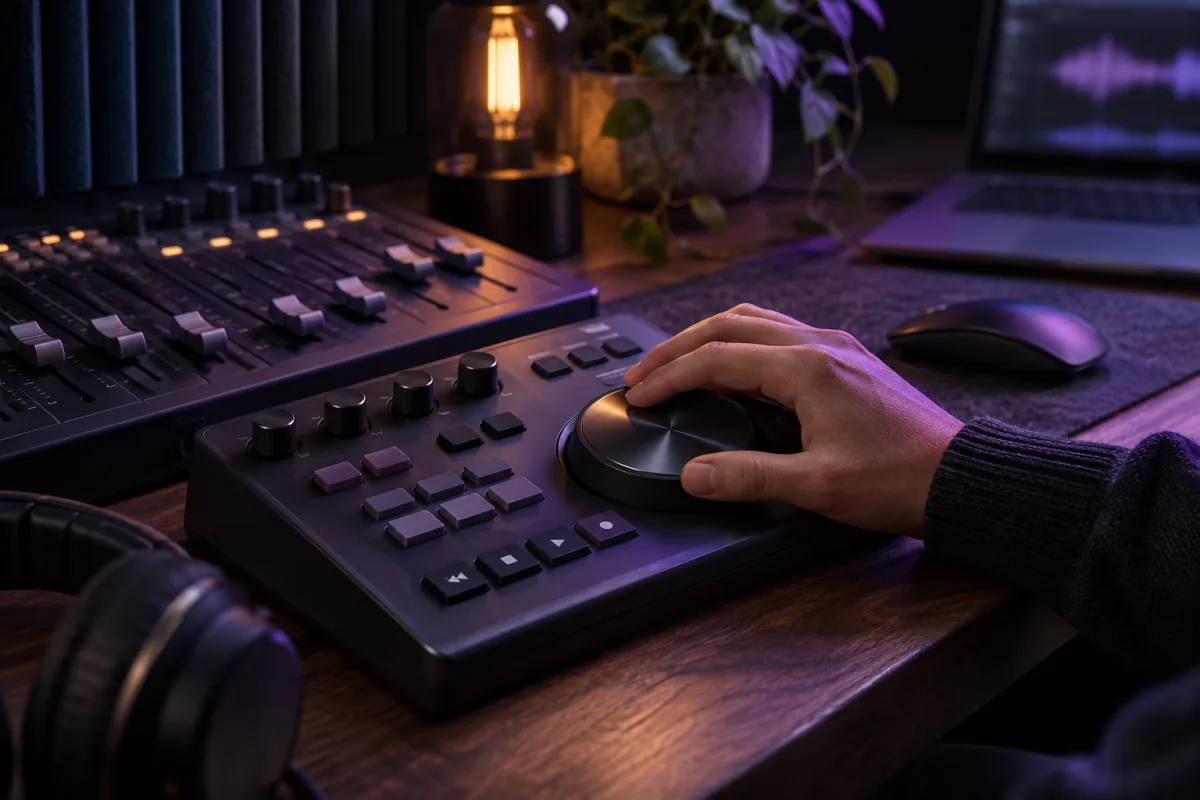
Select a chorus, a riff or another excerpt from music you are authorized to use, then join the selected sections in your preferred order. A short crossfade can soften a switch; it does not beat-match the tracks.
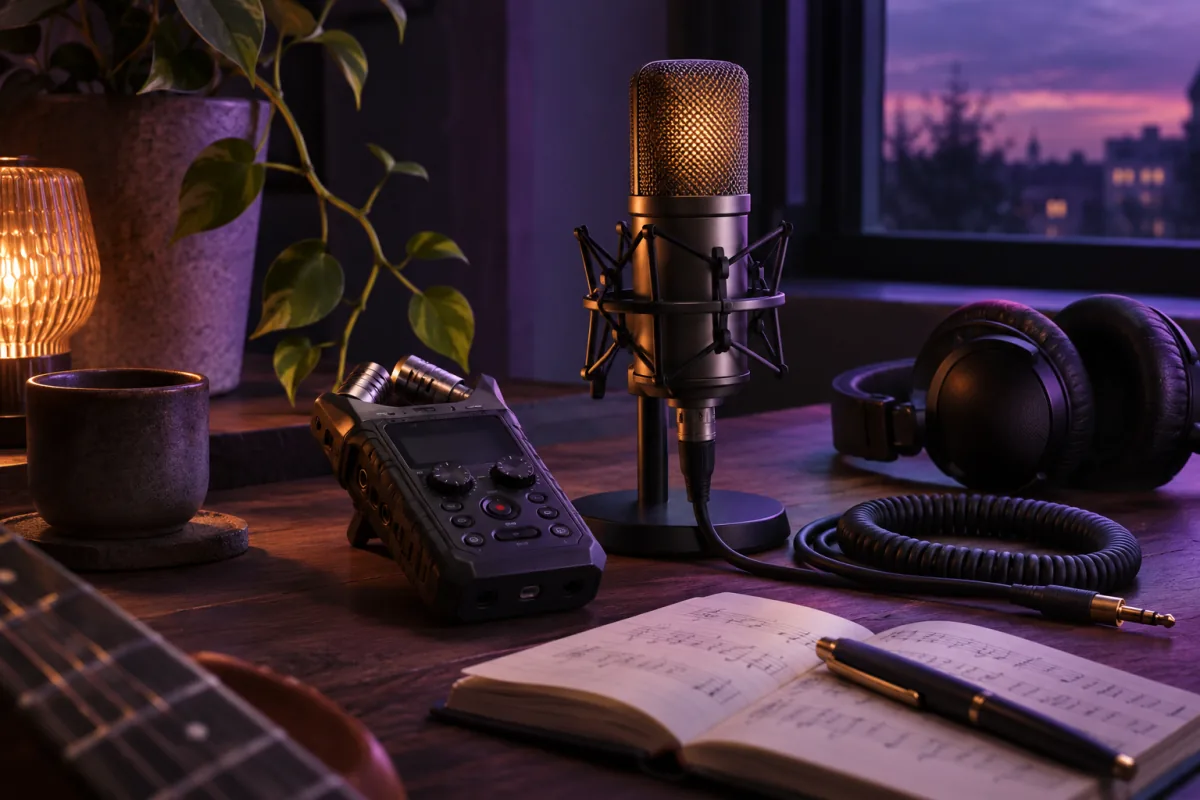
Combine voice memos, narration takes or lesson sections into one recording that is easier to share. Use a small gap when listeners need a pause between topics.
A direct join places the next clip immediately after the previous one. Add silence for a deliberate pause, or use a linear crossfade to overlap adjacent edges. The displayed output duration updates with your edits; the final preview includes the selected transition.
Mix supported input formats in the same queue. Audio Joiner resamples them to the output rate and channel layout you choose, then encodes one real audio file. Changing a filename extension alone is not conversion.
MP3: compact sharing, with 128–320 kbps options.
WAV: uncompressed 16-bit PCM for editing and delivery.
M4A: AAC audio with 128–320 kbps options.
FLAC: lossless compression of the processed audio.
OGG: Vorbis quality 5 for compatible players and apps.
No account, subscription or credits are needed. Your browser downloads the processing engine, then reads and joins files on your device. Audio and results are not uploaded to MusicGo, sent to an AI provider or saved to your account. Download before leaving the page.
Audio Joiner builds a sequence. Crossfade overlaps only the meeting edges of adjacent clips; it does not create independently positioned background music and voice layers. For detailed single-clip edits use Audio Cutter, and use Audio Converter when you only need a format change.
Use up to 10 files. Desktop limits are 50 MB per file, 100 MB combined and 20 minutes total; mobile limits are 20 MB, 40 MB and 10 minutes. Large WAV or FLAC outputs have an additional memory limit. Try MP3, mono or shorter selections when needed. Browser playback support can differ from export support.
Yes. Joining, preview and download require no account, subscription or MusicGo credits. The processing runs locally in your browser.
No. Only the application and audio engine are downloaded. Your selected recordings and the joined file stay in the browser and are not saved to My works.
Yes. Add supported MP3, WAV, M4A, AAC, FLAC, OGG, Opus, WebM audio or AIFF files together. They are normalized to the sample rate and mono or stereo layout you select.
Join 2–10 files. Desktop allows 50 MB per file, 100 MB combined and 20 minutes total. Mobile allows 20 MB, 40 MB and 10 minutes. Available memory and output format can impose a lower practical limit.
Yes. Each audio file has its own waveform selection. Drag either handle, move the selection or enter start and end times to keep the part you need. Preview each excerpt and arrange the order. The joined download contains only these selected sections, not the full source files. Originals stay unchanged.
A crossfade overlaps the end of one clip with the beginning of the next. Overlap reduces total duration. MusicGo caps it at half of either adjacent selection so a short clip is not consumed by its joins.
No. Joining does not remove noise or restore lost detail. MP3, M4A and OGG are re-encoded with lossy compression. WAV and FLAC avoid another lossy encoding step, but cannot repair a low-quality source.
Yes. Use the file chooser and move buttons to arrange clips. Mobile has smaller file and duration limits. Keep the page open while processing and download the result before closing it.
This Audio Joiner is for sequential joining with optional gaps or crossfades. It does not provide independently positioned layers or a full multitrack mixer.
Your browser may not play a format that the audio engine can export. Download the completed file and open it in a compatible player, or choose MP3 or WAV and join again.
Choose the moments you need, trim each recording and join the selected clips into one track.