Isolated Vocals
Isolate vocals from the full mix. Use this stem to hear the phrasing, transcribe lyrics, or place the vocal over a new arrangement.
Online vocal separator
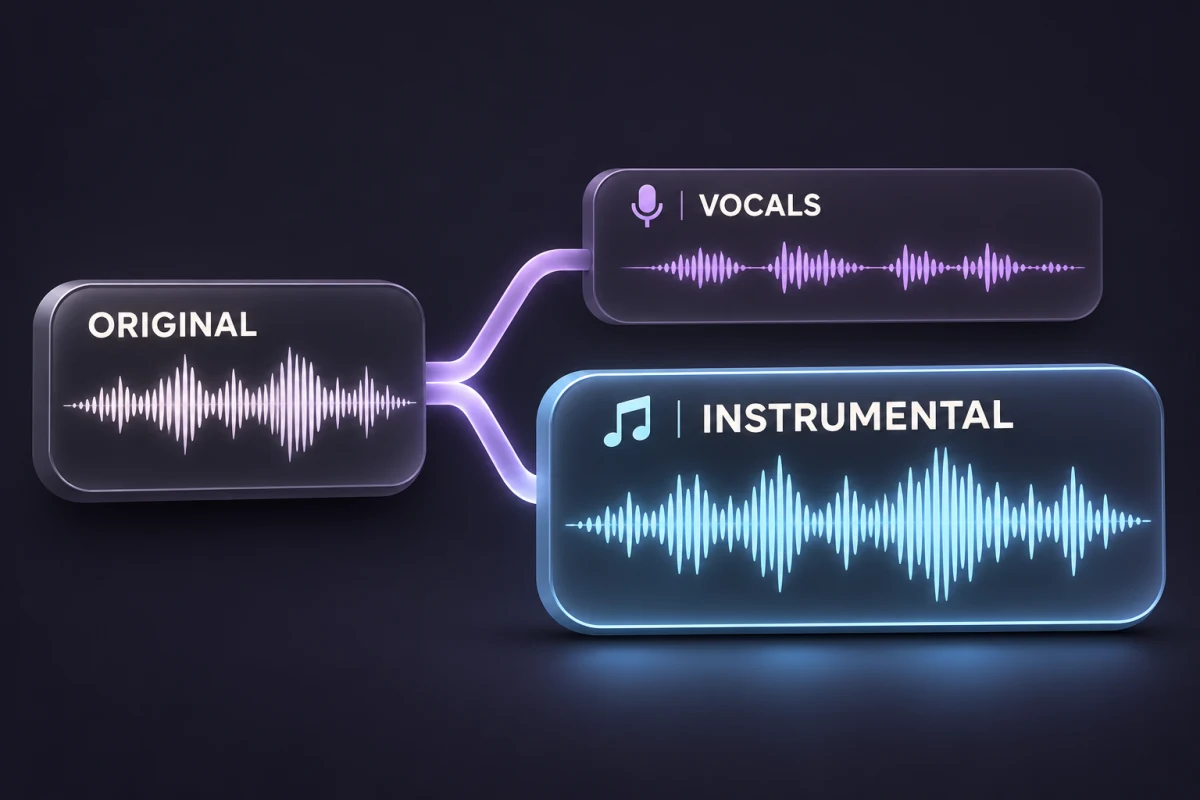
Split a song into two tracks with a vocal and instrumental separator. Isolate the singing for an a cappella edit, or keep the music for karaoke, rehearsal, or a new vocal take.
Compare the original song with its isolated vocals and instrumental. Hear what stays in each track, then switch at the same moment.
From the MusicGo library
Pop / R&B·1:30
Switch tracks at the same moment.
A 90-second excerpt from MusicGo’s public library, with actual vocal-separation results. Quality varies with the recording.
A vocal and instrumental separator gives you both sides of the mix. Choose the part you need, without throwing the other away.
Original mix
One song → two tracks
Isolate vocals from the full mix. Use this stem to hear the phrasing, transcribe lyrics, or place the vocal over a new arrangement.
Remove vocals from a song to keep the accompaniment together. Use this track when you want to sing, rehearse, or record over the music.
Choose the best-quality copy you have. Start with the full mix containing both the singing and the instruments.
Check the credit quote and submit. AI estimates the singing and accompaniment, then saves two separate audio tracks.
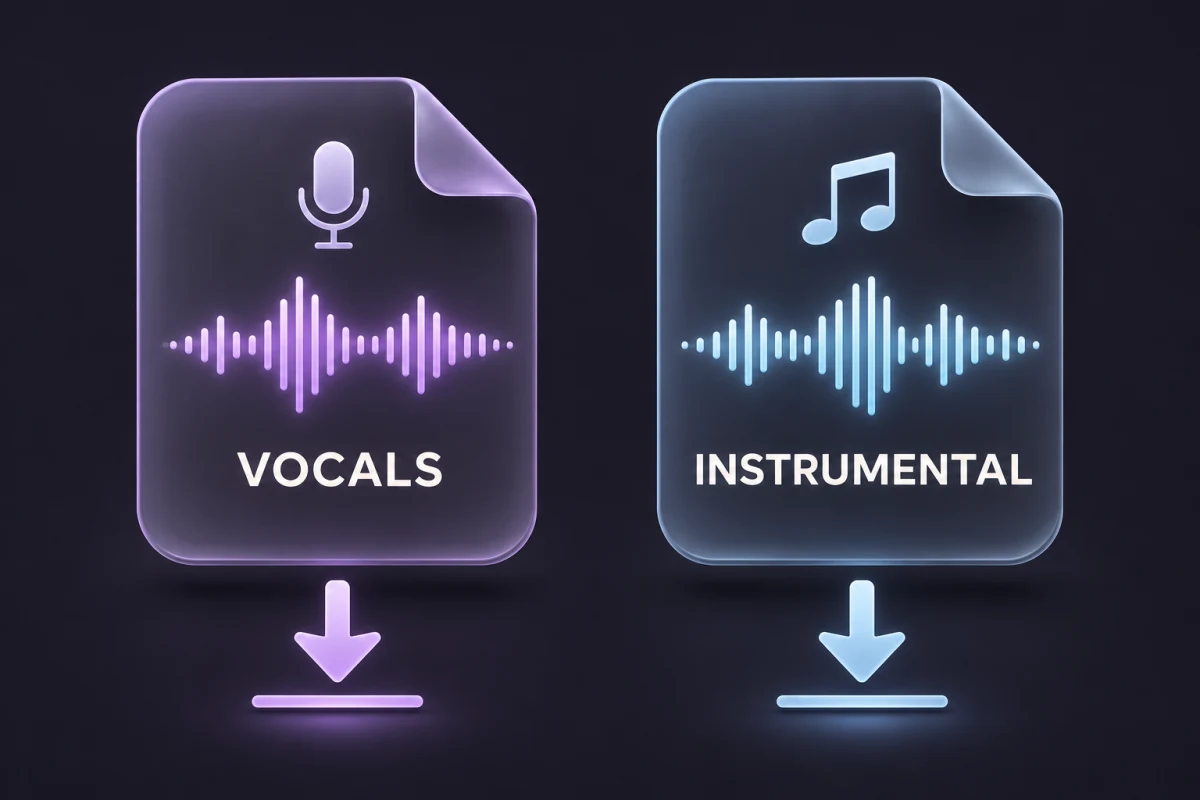
Listen to each output, check for leftover singing in quiet passages, and download the vocals or the instrumental.
Use the backing track to rehearse without following the original singer.
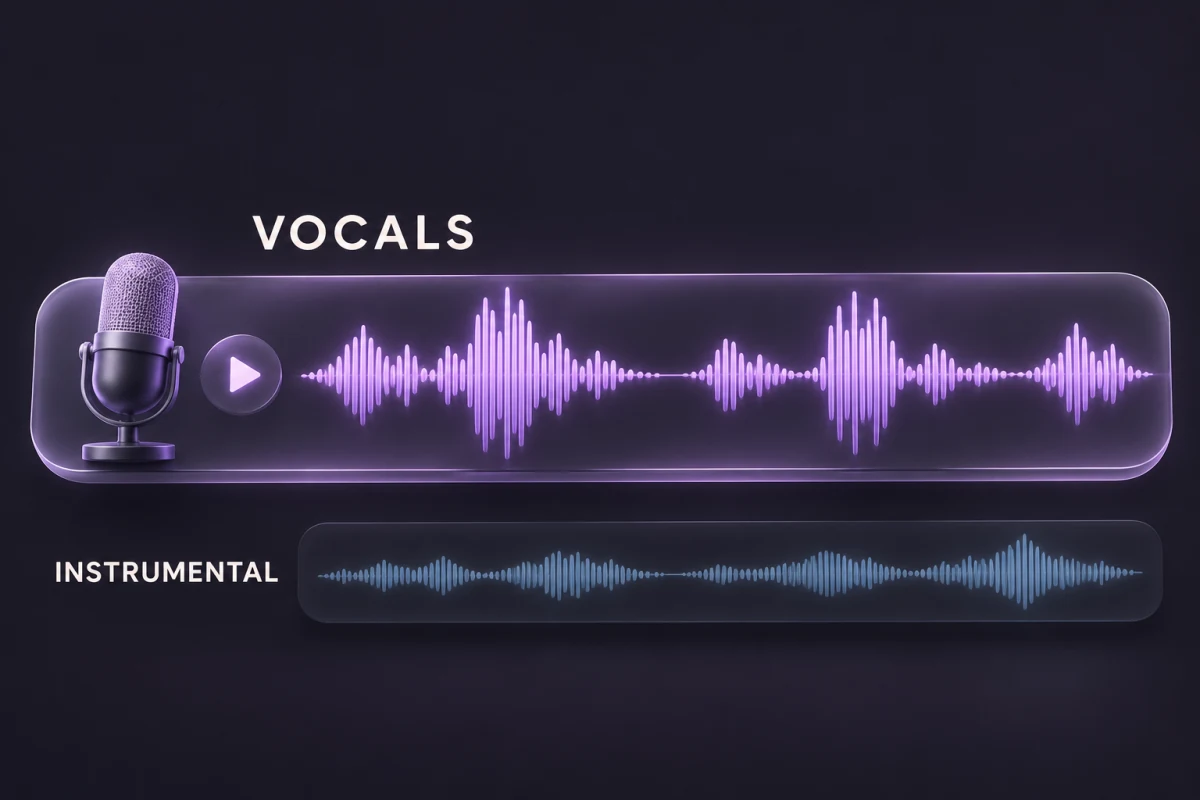
Listen to the isolated vocal to study timing, pronunciation, and delivery.
Use a vocal stem you have permission to reuse and build a new arrangement around it.
When a karaoke version sounds different from the recording you learned, keep the accompaniment of that recording for your next rehearsal.
When a busy arrangement hides the singer’s timing, use the isolated vocal to focus on breath, diction, and delivery.
Audition an authorized vocal stem and check for instrumental bleed before building a new arrangement around it.
Separation quality depends on the source mix. Reverb, layered voices, and overlapping instruments can leave audible traces. Listen before using either stem in a final edit.
Use the original recording when possible. Screen recordings, heavy compression, and crowd noise make isolation harder.
Listen for buried harmonies in the chorus and trailing vocal reverb between lines.
This tool creates vocals and a combined backing track. For separate drums, bass, or guitar, use a multi-stem workflow.
Get 15 credits when you sign up. No subscription required.
1 credit per 10 seconds, rounded up.
A vocal stem is an audio track containing the singing from a mix. The instrumental stem contains the accompaniment.
Yes. Vocal and instrumental separation produces both parts, so you can work with the backing track or the singing independently.
Results depend on the recording. Reverb, overlapping frequencies, and dense mixes can leave traces of the vocal in the accompaniment.
It combines the accompaniment into one track, which can include drums, bass, guitars, keyboards, and other instruments in the mix.
An AI vocal separator estimates which parts of a mixed recording belong to the singing and which belong to the accompaniment. Those estimates form two separate tracks.
Removing vocals usually means keeping the instrumental. Vocal separation gives you both sides of the split, so you can also use the isolated singing.
Live recordings can be split, but audience noise, overlapping voices, and room echo can carry into either output. Check both tracks before using them.
You receive 15 credits when you sign up. At 1 credit per 10 seconds, rounded up, these cover one file up to 150 seconds (2 minutes 30 seconds). This is a signup allowance, not unlimited free processing.
Common supported formats include MP3, WAV, M4A, and FLAC, up to 50 MB and 10 minutes. Browser decoding support can vary.
Each partial 10-second block rounds up to a full credit. A 60-second song costs 6 credits and a 61-second song costs 7.
Keep the vocals for an a cappella edit or the instrumental for your next rehearsal.